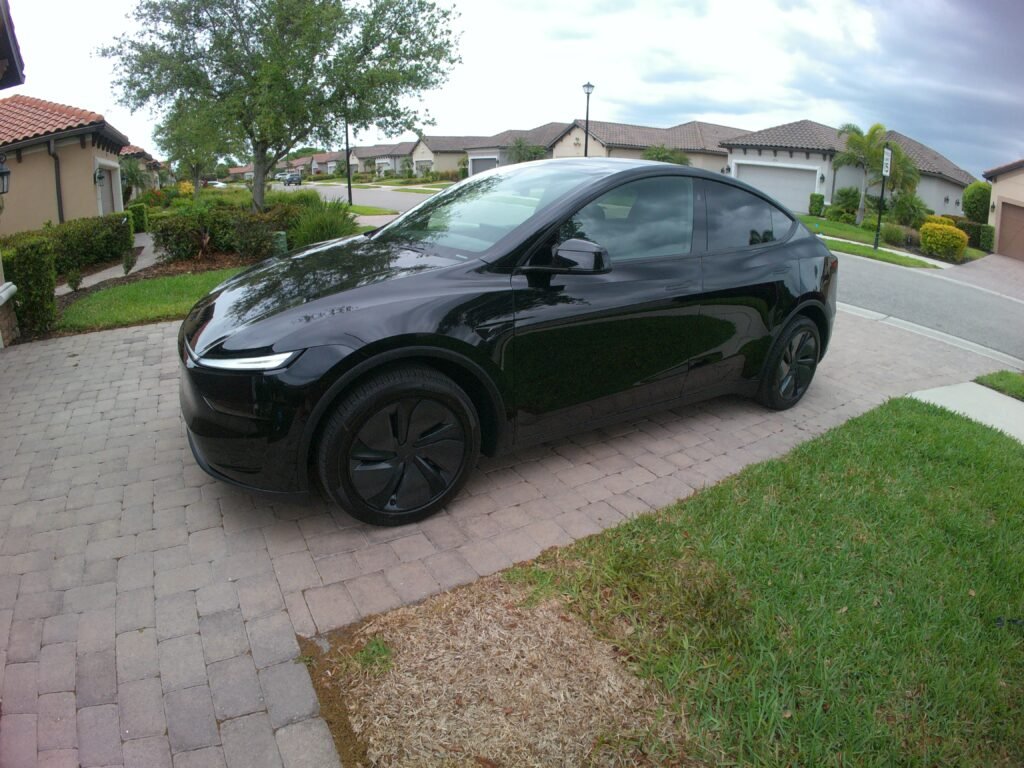
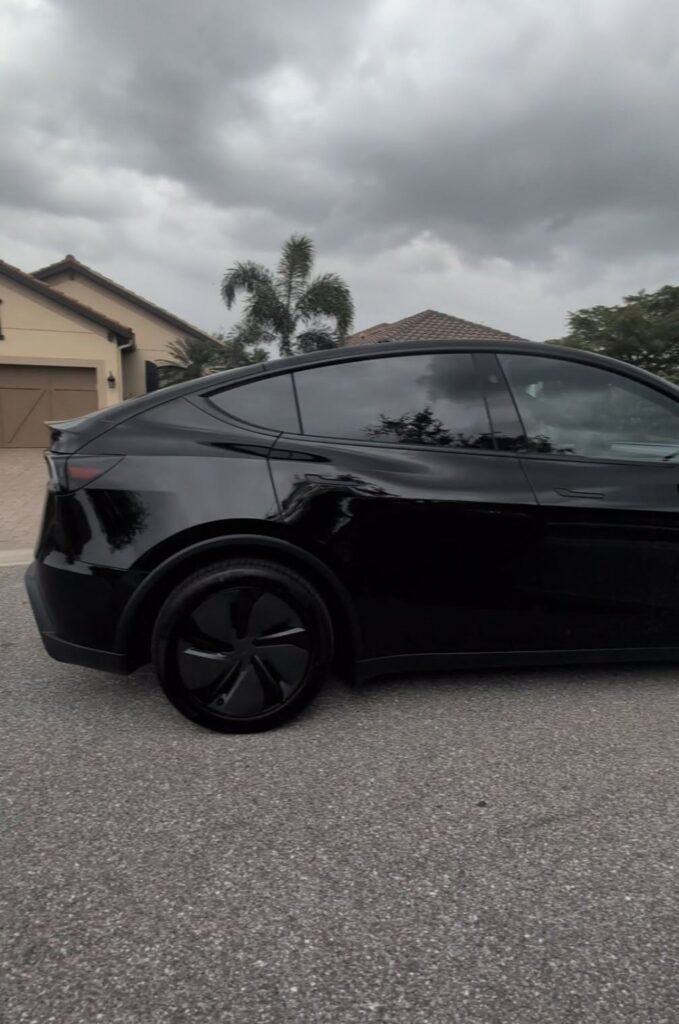
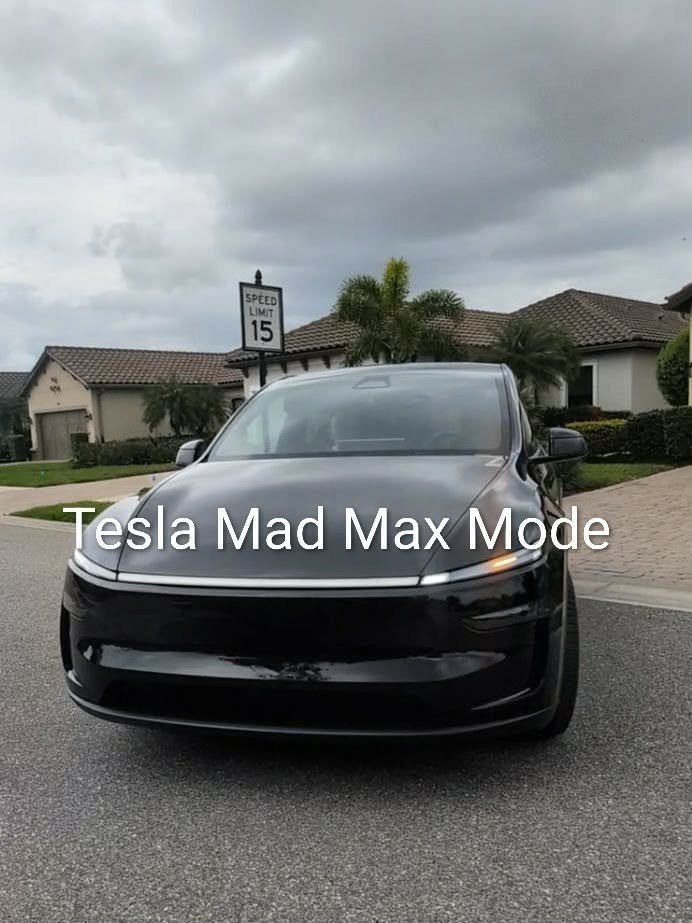
No, we did not buy a Tesla. So? Why did we test drive a new Tesla and why are we writing about the experience? Well, because Jason’s pop recently upgraded from his older girl, a 2022 Model Y Tesla to a brand new more youthful 2026 Model Y Premium Tesla. Jason named the new girl Tessie, obviously because of her proper name and her big ole sexy booty. She’s a sleek, shiny black little thing with blacked out windows & tires, and a full body light strip. Tessie has really neat inset door handles that makes the outside of the car really sleek. Just give it a push with the thumb and out comes the rest of the handle. And wow, she purrs like a kitten. Meow! Obviously, we wanted to meet the new girl and get to know her a bit, so we offered to make the hour plus drive, up to Jason’s dad’s place to pick her up.
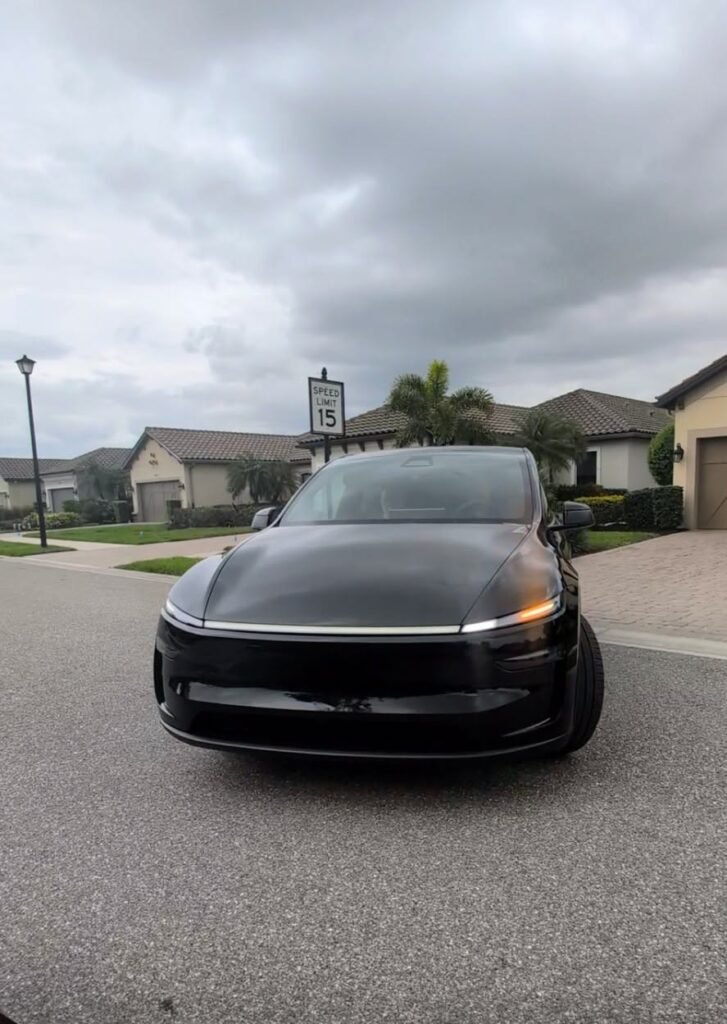
The first thing we noticed was her big, bright, shiny smile (her full “Frunk” light strip). She lit up and glistened like brand new diamonds, just as she should for the price tag. If you’re new to the Tesla world like me, then you’re probably wondering what the heck a Frunk is. Yep, I did too! Since there is no engine under the front hood, it is basically like a front cargo trunk area, aka Frunk. And yes, it’s an actual term on the Tesla display screen. Combining all of the cargo and trunk spaces, she offers a whopping 76 cu ft of cargo space. Holy moly! We could fit a lot of camping gear in her!
Since this is not Pop’s first Tesla, Jason was already familiar with the basics and terms of the car. Hence, the reason we were able to take the car out, set up the display panel and map the addresses for him. Jason’s dad is nearing 80 years old and super independent, but driving a Tesla after it’s all set up is a lot different than doing all of the boring pre-programming stuff. It’s a lot of technology for anyone, let alone someone his pop’s age. Having previously owned Teslas, Pop is already familiar with the drive technology, so we were just helping with the new setup of the contact address mapping, testing the Supervised Self-driving Profiles and some of the newer features. Plus, it gave us a chance to take her out and give her a spin.
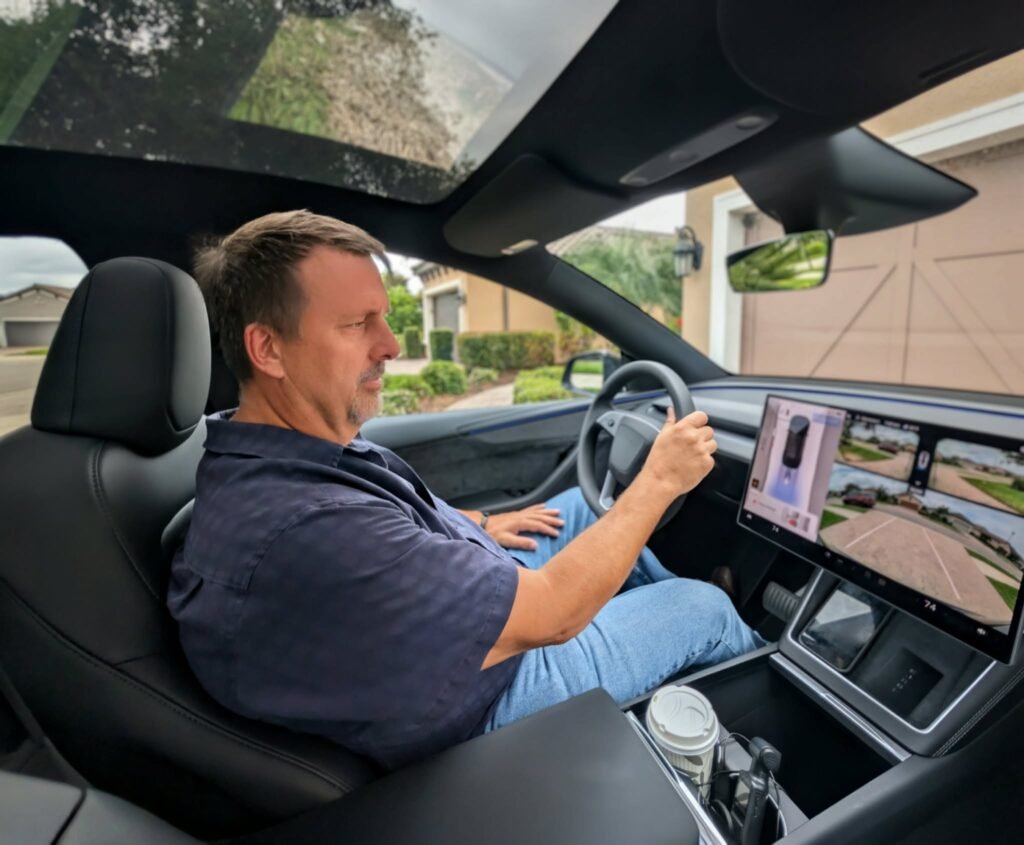
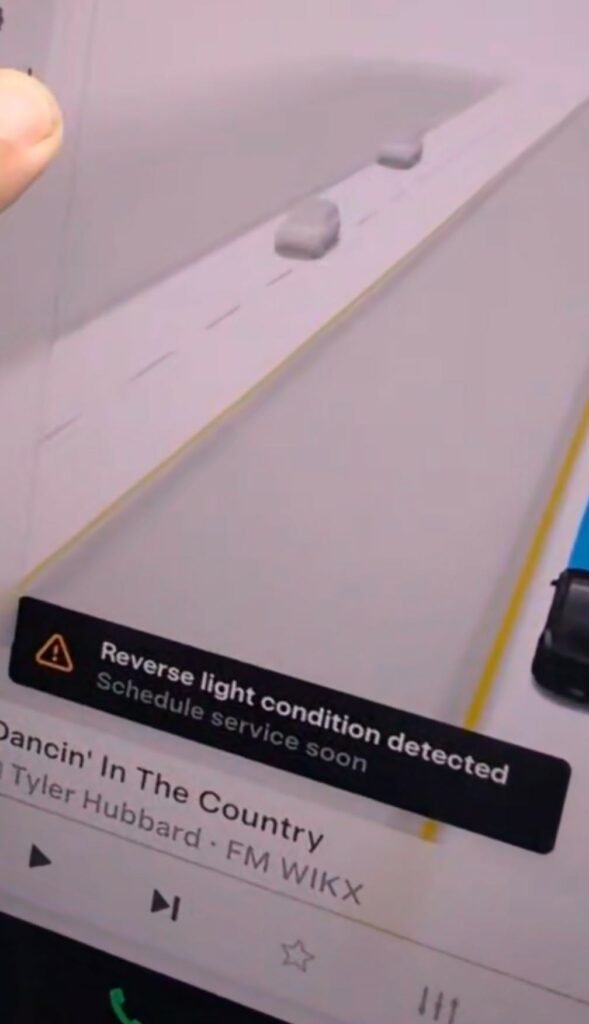
Jason hopped in the driver’s seat and started setting up the map locations and driver’s preferences. Right away, we noticed a service item on the main display screen. The “Reverse Light Condition Detected” service notification was illuminated. There is already a voluntary recall out for this repair. Per Tesla, it means that there could be a defect in the rear lamp housing, fascia harness or wiring harness and has improper continuity, causing one or both backup lights to fail. We didn’t notice any issues, but will get Pop’s recall scheduled for service ASAP!
So, after Jason got all of Pop’s usual destinations programmed into Tessie’s mapped favorites, we were off to test the longest mileage address. Because she has some upgraded features, we wanted to test out everything on Tessie before Jason took Pop out to familiarize him with his new girl, like a supervised first date. We programmed Tessie to back out of the garage & driveway and drive to his doctor’s office and local hospital. He’s pretty independent and drives himself to all of his own appointments, so our first drive was to the local hospital. Except that Jason programmed the incorrect hospital into Tessie’s maps and we had to reprogram the address. No problem, just another teaching opportunity.
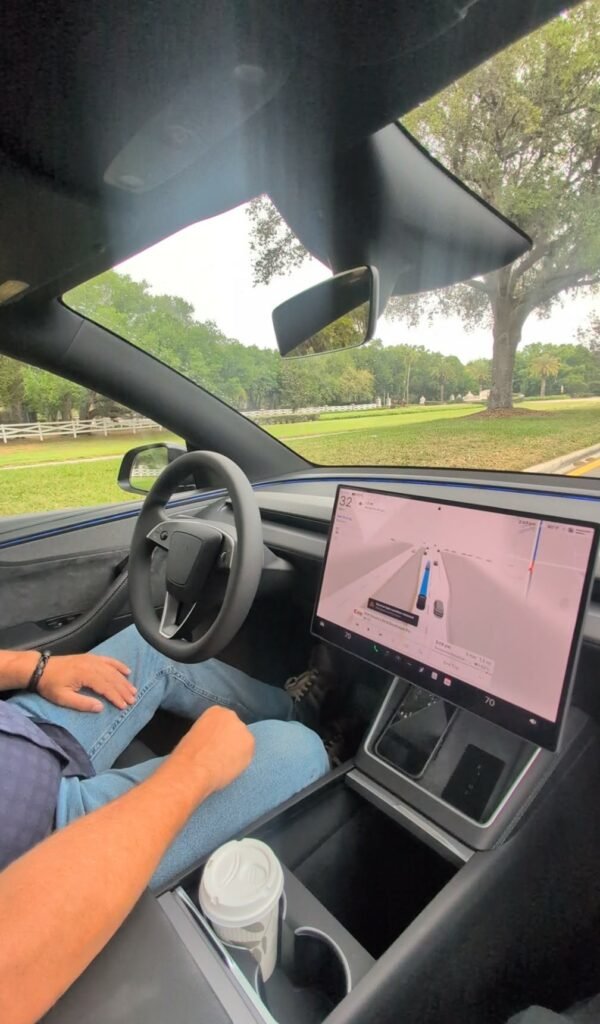
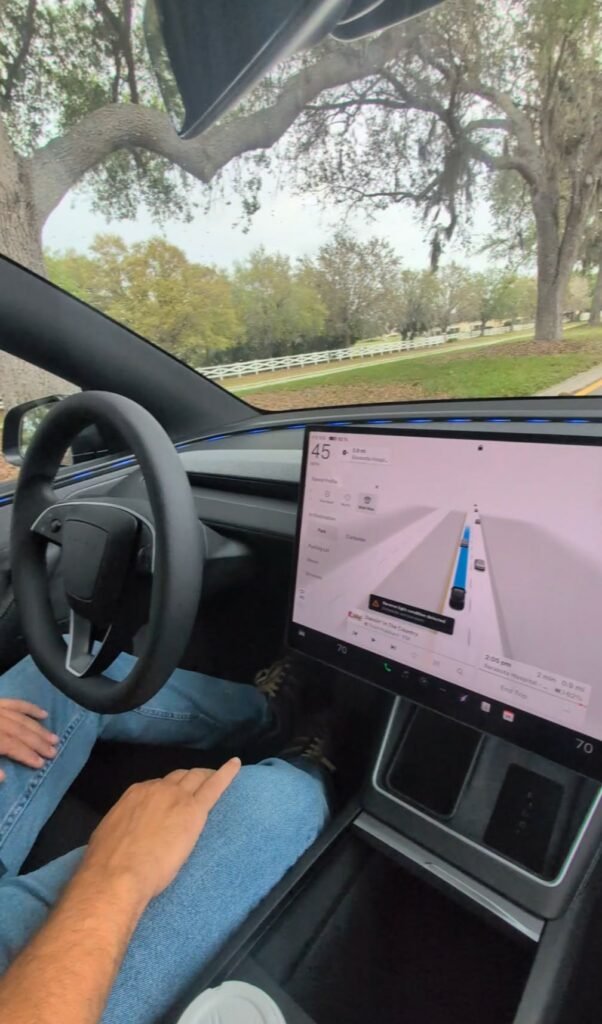
It’s pretty awesome how the smartphone is also a control point for the vehicle. The Tesla app acts as the brain of the car and can start, operate, summon and park the vehicle, among many other options. The steering wheel acts as the main point of contact when manually driving the vehicle, with buttons both on the wheel and the screen. We started out in Standard Profile, thinking that’s what Pop would probably drive. Yeah, no! There are many Driving Style Profiles on the Tesla, but we tested the Sloth, Chill, Standard, Hurry, and Mad Max Profiles. The Standard mode was a little too fast and too assertive for Pop, but drove like the average American. For someone Pop’s age, it wasn’t really cautious enough and a little too assertive.
After leaving the driveway, while in Standard mode, we quickly realized that Tessie was speeding slightly over the speed limit inside Pop’s gated community, and consistently drove about 10% higher than the posted speed limits, like most average drivers. We let her drive out of the community to the stoplight and onto the main roads. She did very well, obeying signals and avoiding pedestrians, but we wanted to test other Modes. Next, we tried Chill Mode, thinking that would be better for Pop. It’s a downgraded mode from Standard. It was definitely chill and drove great, while maintaining and staying slighting under the speed limits, but we also wanted to try out the Sloth mode. We don’t need Pop getting any speeding tickets, and we want him to feel comfortable at a safe driving speed.
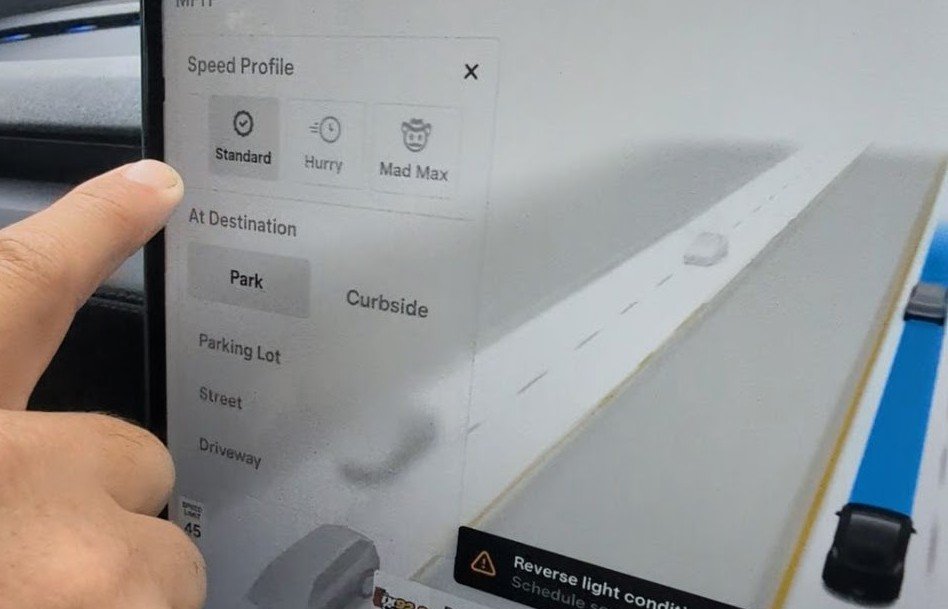
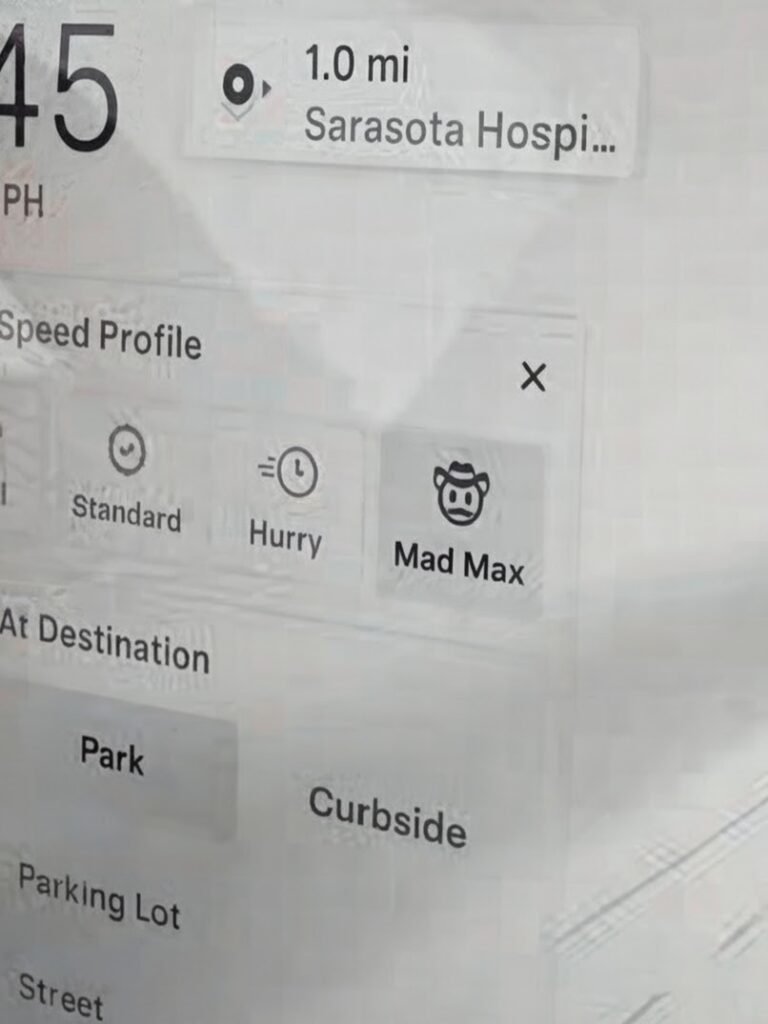
Sloth Profile is the winner for Pop, for sure. Tessie stayed well under the speed limit, with no speeding over the limits and only reaching the actual speed limits while staying with the flow of heavy traffic. In my personal opinion, Sloth is definitely the safer mode for senior citizens. Because we had tested Sloth, Chill and Standard Driving Profiles, we were curious about the other two. Next we tested the Hurry Profile and it is exactly what it says, in a hurry. Hurry Profile tested the speed limits by going about 20% over the speed limits in all areas, had assertive acceleration, driving and lane changing. I think that Hurry Profile is probably how average America drives when running late to work.
Because he is a speed junkie, Jason’s favorite was Mad Max Mode/Driving Profile! I will agree, it was a fun little test, but I would personally not ever use it, nor recommend it. If you have a need for speed and like aggressive driving, rapid acceleration, questionable passing, and sudden lane changes, then by all accounts this is the Driving Style Profile for you. It’s more of a buck authority type of profile. I refer to Mad Max as Tessie’s alter-ego. Mad Max consistently drove well above the posted speed limits. We drove Tessie on the interstate to see what this Driving Profile was all about. Once Max took over, Tessie was all over the place. At one point, we realized Max had Tessie going 20mph over the posted speed limit, while raining, and in a construction area on the interstate. Thankfully there were no construction workers present and Jason was able to take over by simply touching the wheel and pressing the brake. Several times that Max was driving aggressively, Jason just tapped a different Driving Profile on the screen. Of course, Max detected other vehicles and slowed Tessie down, but overall I would not recommend driving in Mad Max Profile. He seems to have a maniac personality.
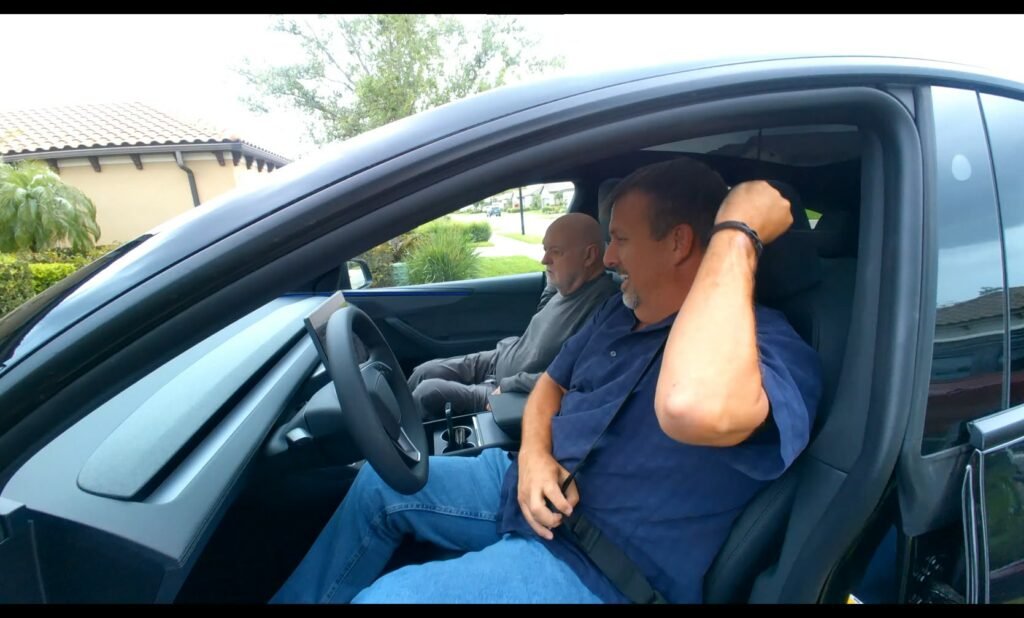
So after testing all of the features, setting Pop’s driving profile and mapping out his favorite locations, it was time to take Pop out for quick lesson. One more supervised date with Tessie, and Pop will be ready for solo dates. Overall, we recommend the new 2026 Tesla Premium Model Y. And like in our case, if you have someone struggling with some physical mobility issues, it’s definitely a win-win, while allowing them to maintain their independence!
A little serious sidenote here…
We do joke in our videos, but we do not recommend texting and driving! We both use hands-free mobile & talk to text in our cars. Jason can’t have any dings on his driving record due to his job. Our jokes and videos are just of us in our daily lives and meant purely for entertainment, while giving a glimpse into our lives and the items/tools we recommend or sometimes not. We understand that some of the things we say or comment about may not be taken in the context we intended. We are just two people enjoying life and sharing with our community. Life is entirely too short not to be lived to the absolute fullest and enjoyed.
Love & Peace,
Val
Watch the YouTube Short below.